Today was not exactly a resounding success. Japan seems a little more foreign in person, than it does in the Japanese television programs I’ve seen (which has been basically my only “exposure” to Japan to date.
Getting to Narita airport from Vancouver was a piece of cake (aside from around 15 hours of flying time, and 7 hours of layovers in Seoul and Seattle). On the other hand, getting OUT of Narita was hell. I’ll have to elaborate here. My original game-plan was to take my credit cards (VISA and Mastercard), and use Japanese bank machines to get cash-advances to pay my way across the country. A fine theory, except that when I arrived in Narita, I found (or rather, did not find) something interesting, namely that the vast majority of Japanese bank machines don’t take North American bank cards. Of course, in a flash of pure foresight, I had neglected to withdraw any money in Canada or the U.S., so my total “cash on hand” was around $12 Canadian.
After around an hour of hunting around Narita Airport (with growing anxiety), I finally located an ATM in terminal 1 that took Mastercard. Luckily I had received my Mastercard two weeks before my trip. If I didn’t have that, I probably would’ve been stuck in Narita for some time.
At any rate, I grabbed the Narita Express (an expensive, but fast and convenient train) to Shinjuku. I was pretty tired at this point (around 30 hours without sleep), so I just wanted to get to the Yoyogi Youth Hostel and relax. My first dose of culture shock was Shinjuku Station.
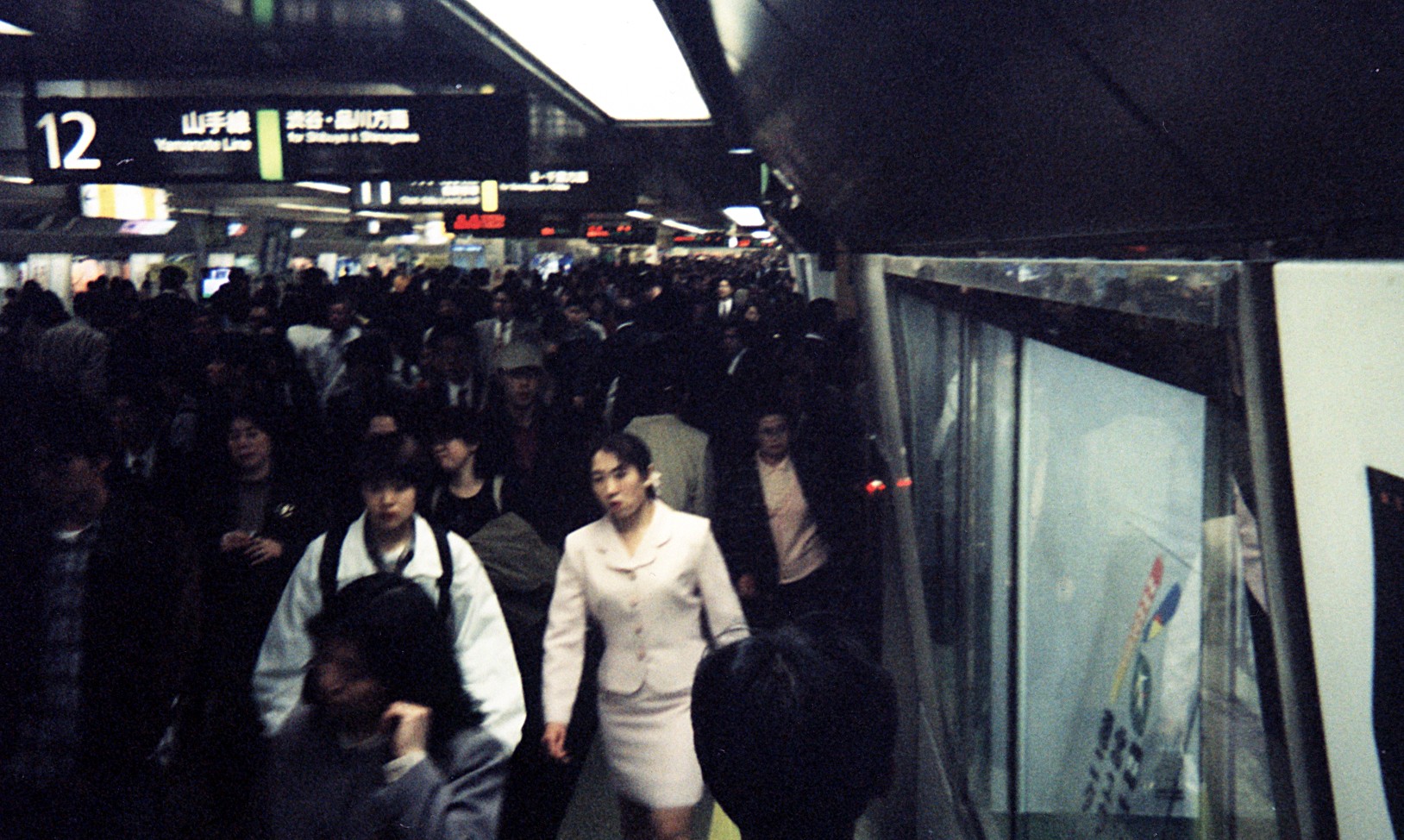
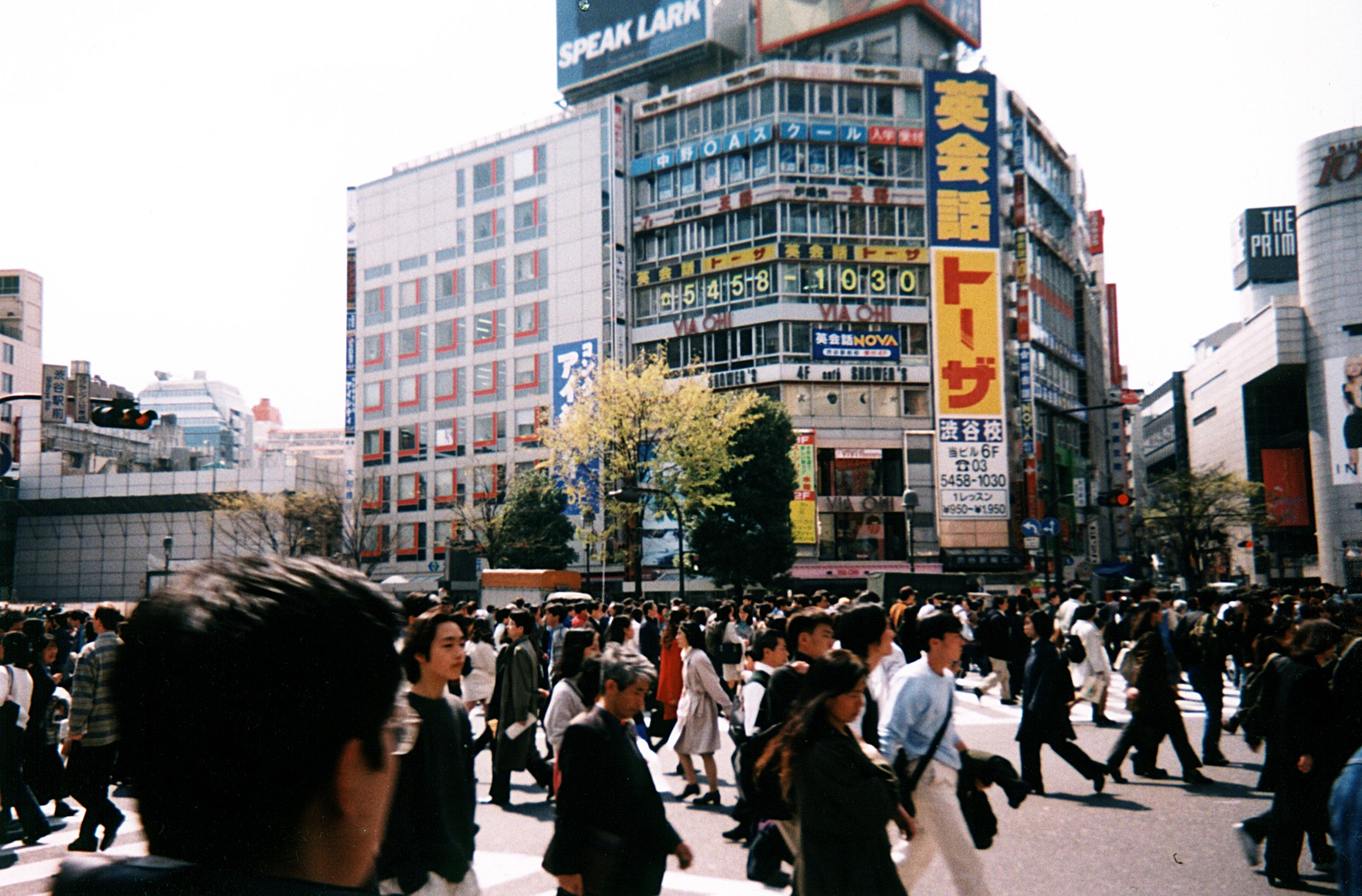
Without experiencing it in person (and I did take some pictures so others can get some idea of what I’m talking about), it’s almost impossible to comprehend the complexity of Shinjuku Station. Tokyo’s Shinjuku Station, is probably Japan’s busiest train station. Over 2 million people pass through the station’s gates every day. The station itself contains numerous rail lines (around 17), and is roughly 7 levels high, and covers the area of around 4 square city blocks.
Naturally, I had arrived around 3pm, which is just when the afternoon rush is getting underway. I really didn’t have a clue how to operate the ticket machines, much less find out where I wanted to go. Eventually I managed to find a suitable exit, and found a table listing train destinations and prices just outside one of the station’s entrances. Of course all of the destinations were labeled in Kanji. At this point, I suppose I could’ve just stopped someone, and asked for directions, however I like solving problems on my own, so I matched my map of Tokyo (English), against a small pocket-map of the rail lines which Nami had given me when I bought her dinner before leaving on my trip. I found the location I wanted to go to on the English map, found a place that looked “pretty similar” on Nami’s kanji map, and went there.
Eventually got to the Youth Hostel (5 minutes by train from Shinjuku, and another 10 minutes of walking). Very nice! Yoyogi Hostel rates at the top of my “Hostel Review List” . After being awake for around 36 hours, I basically just jumped onto the bed and collapsed. Suppose I should’ve grabbed a shower, but I was just too wiped out.
Recent Comments